No integration?
Just upload a CSV.
Frank doesn't connect to every tool — but if you can export a spreadsheet, Frank can read it. Upload once and Frank adds your data to the weekly briefing.
No credit card required
CSV upload + Frank
Connected
What Frank pulls from CSV upload
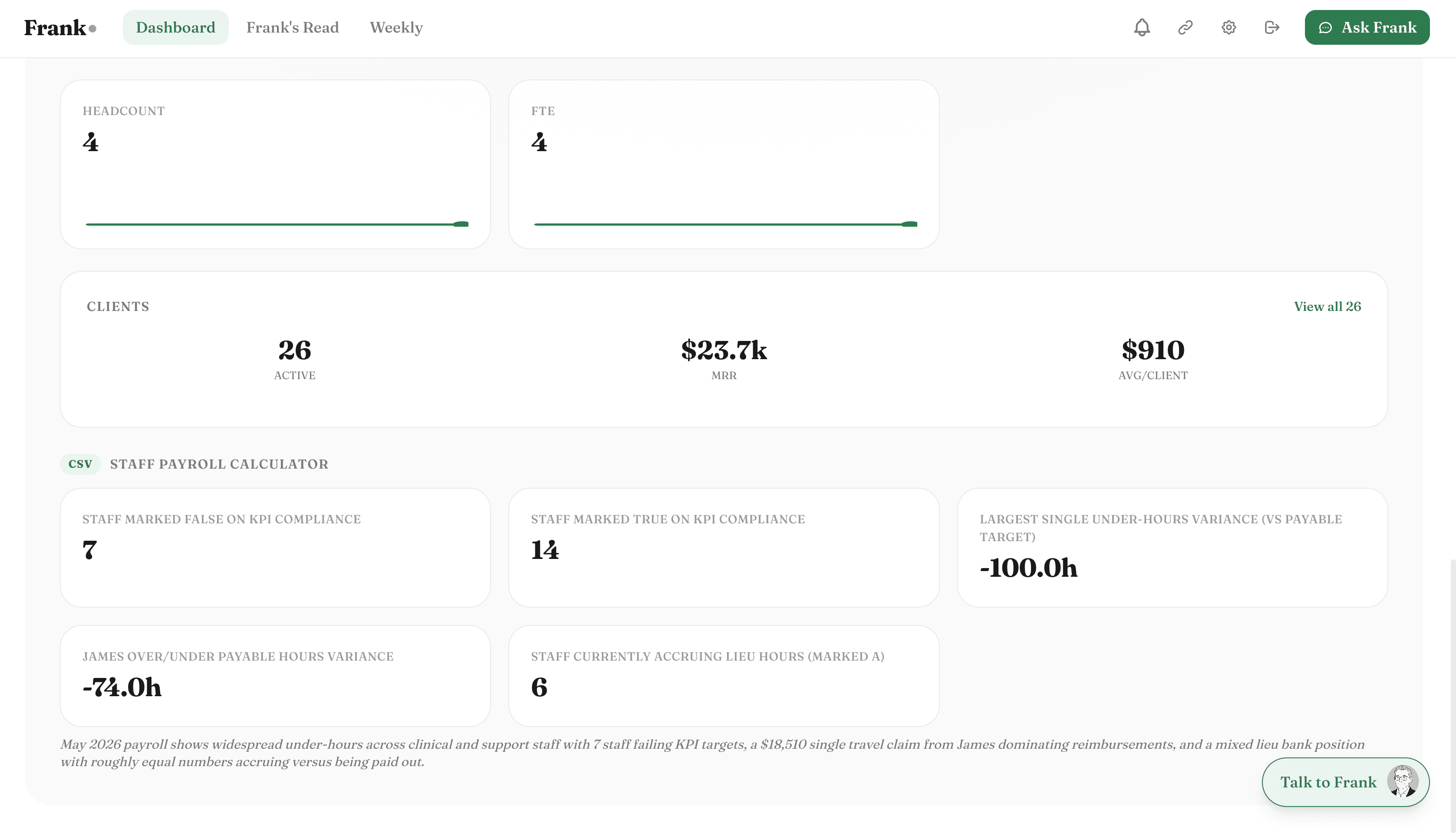
Frank reads your CSV uploaddata automatically — no exports, no manual entry. Here's what he looks at.
Any metric you track
Revenue, leads, costs, headcount, appointments, units sold — if you track it, Frank can read it.
Historical data
Upload 6 or 12 months of history and Frank builds a baseline immediately.
Regular updates
Upload a new CSV each week or month and Frank incorporates the fresh data into your briefing.
Multiple data sources
Upload separate files for different data types — Frank connects them into one picture.
Custom column names
Frank reads your column headers and maps them to the right metrics automatically.
Anomaly detection
Even CSV data gets Frank's anomaly detection — unusual movements are flagged just like native integrations.
What Frank does with your CSV upload data
Frank doesn't just display the numbers — he reads them, connects them to the rest of your business, and tells you what matters.
Your CRM data shows conversion dropping for 3 consecutive months.
Frank analyses trends in your uploaded data the same way he analyses native integrations. If your lead data shows a consistent decline in conversion rate, he flags it — regardless of where the data came from.
Cost data in your spreadsheet shows a line item growing 40% in a quarter.
Upload your monthly cost breakdown as a CSV and Frank adds expense trend analysis to your weekly briefing — connecting your spreadsheet data to the rest of your business picture.
Appointment data from your booking system shows utilisation dropping.
Any operational metric you track — appointments, units, sessions, projects — can be uploaded as a CSV. Frank reads the trend and connects it to your revenue and cost data.
Connected in under 2 minutes.
One-click OAuth. No API keys, no CSV exports, no developer required.
Export your data as CSV
Export whatever data you want Frank to read from your existing tool — any format, any metric.
Upload to Frank
Drag and drop your CSV into Frank's upload panel. He reads the columns and maps them automatically.
Frank adds it to your briefing
Your uploaded data appears in your next weekly briefing and in Frank's answers when you ask about it.
Also connects with

Your CSV upload data,
finally working for you.
Connect CSV upload in under 2 minutes. Frank starts reading your data immediately and delivers your first briefing within 24 hours.
No credit card required